
Everything you need to track your progress
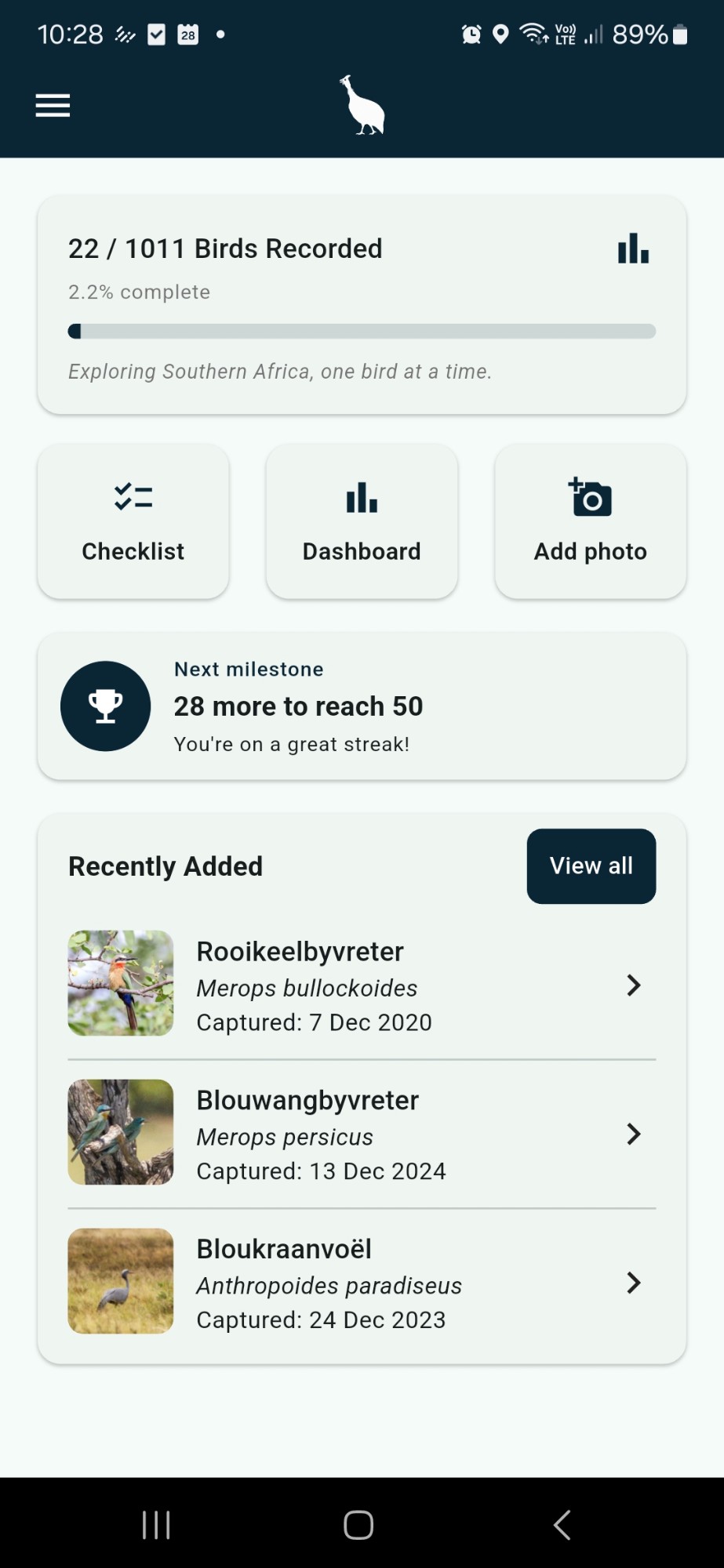
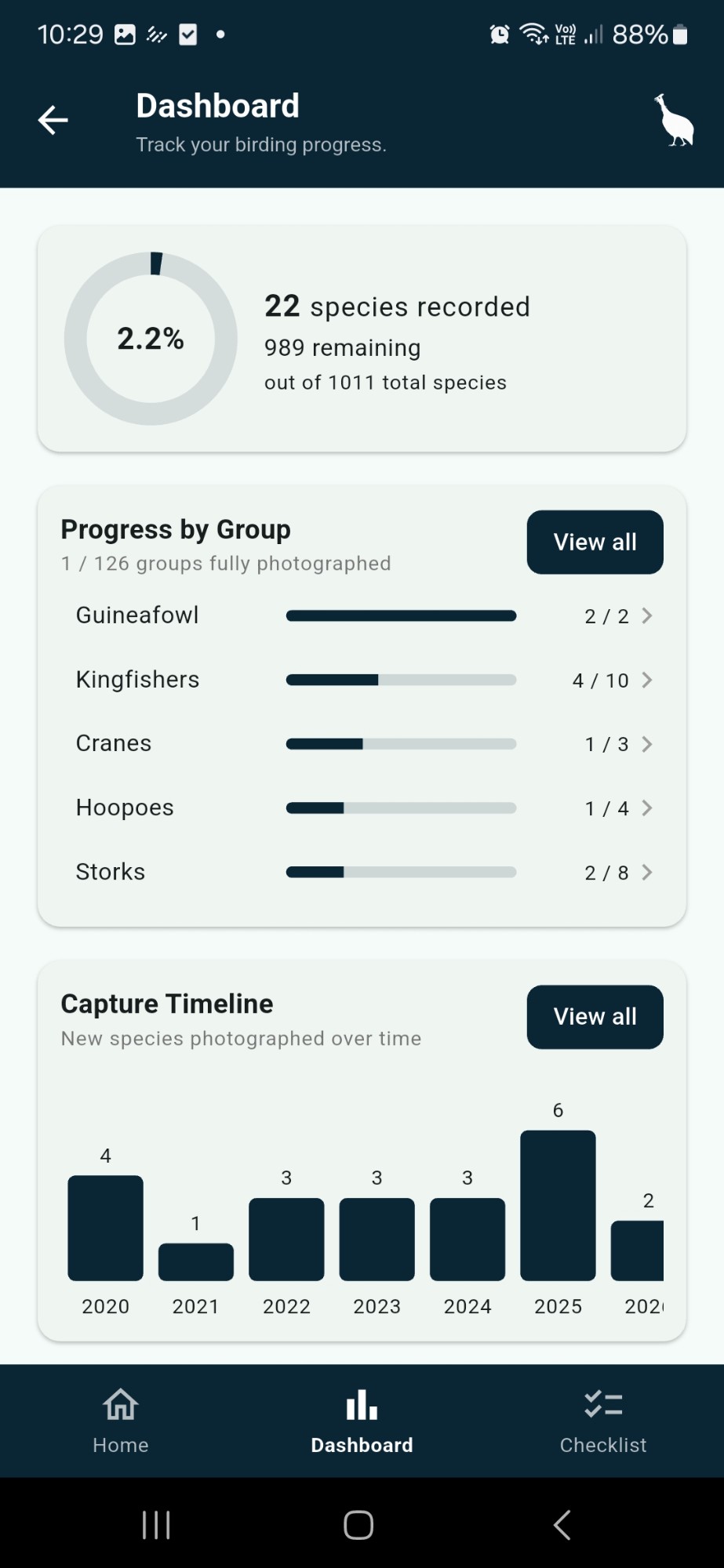
Track overall progress
Your dashboard shows exactly how many of the 1,011 Southern African species you've photographed, so you always know how far you've come.
Customise your lists
Build your own saved lists — a trip, a garden, a challenge — and group species together the way that suits you.
Progress by group
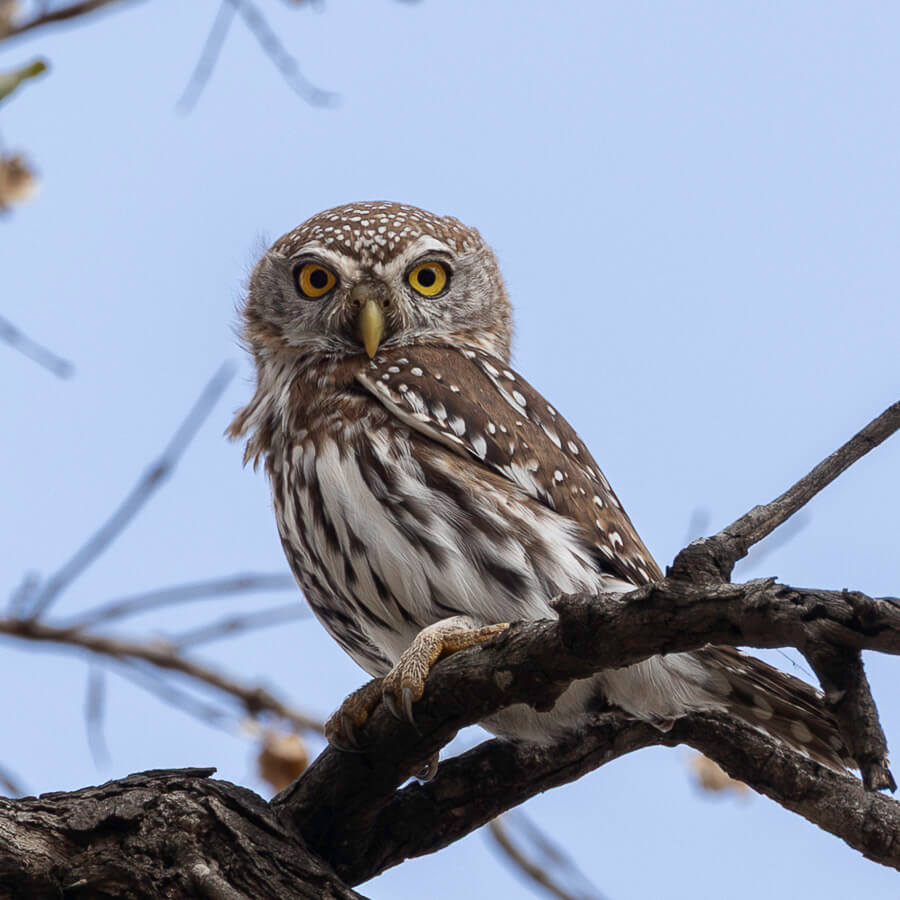
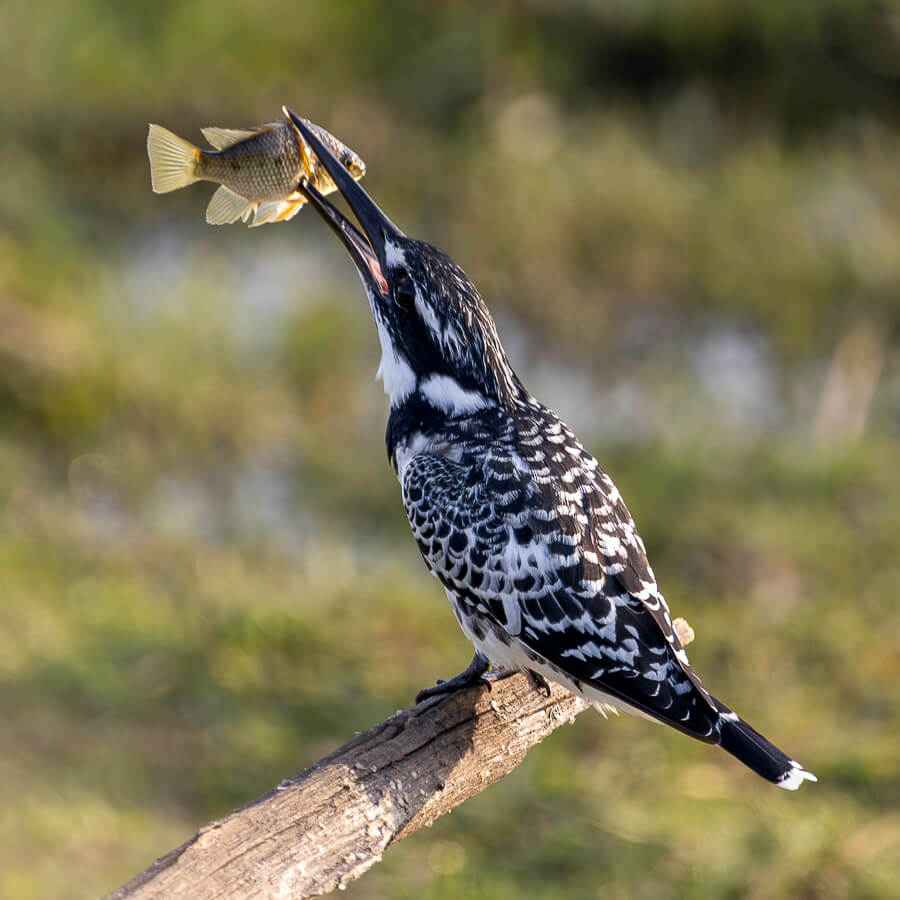
See your progress broken down by bird family — hornbills, kingfishers, owls and more — not just one long list.
Capture timeline
Browse your photographed species by the year you captured them, and watch your list grow over time.
Log location data
Add where each photo was taken, then explore your sightings location by location across every trip.
Milestones
Celebrate landmark moments — your 50th, 100th or 500th species — each shown with the photo that got you there.
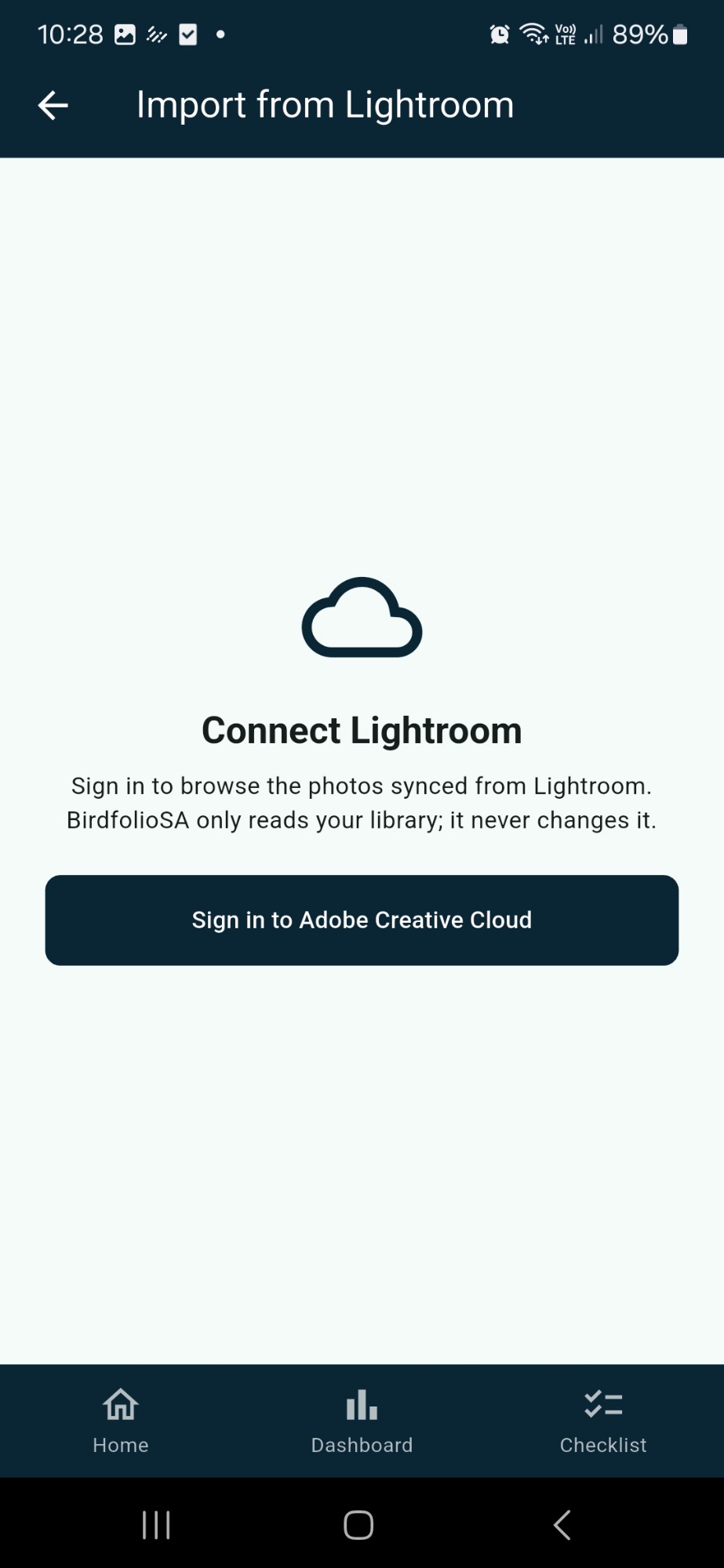
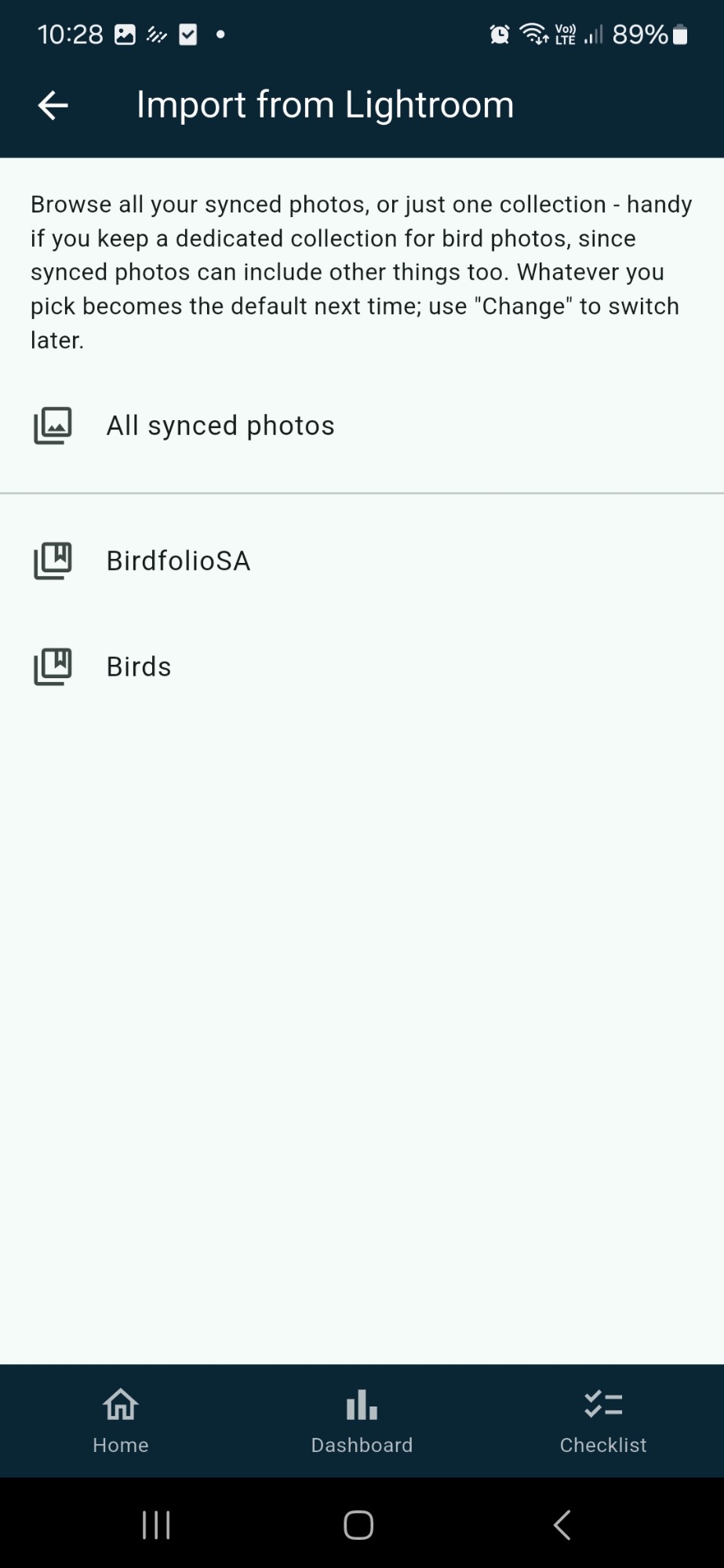
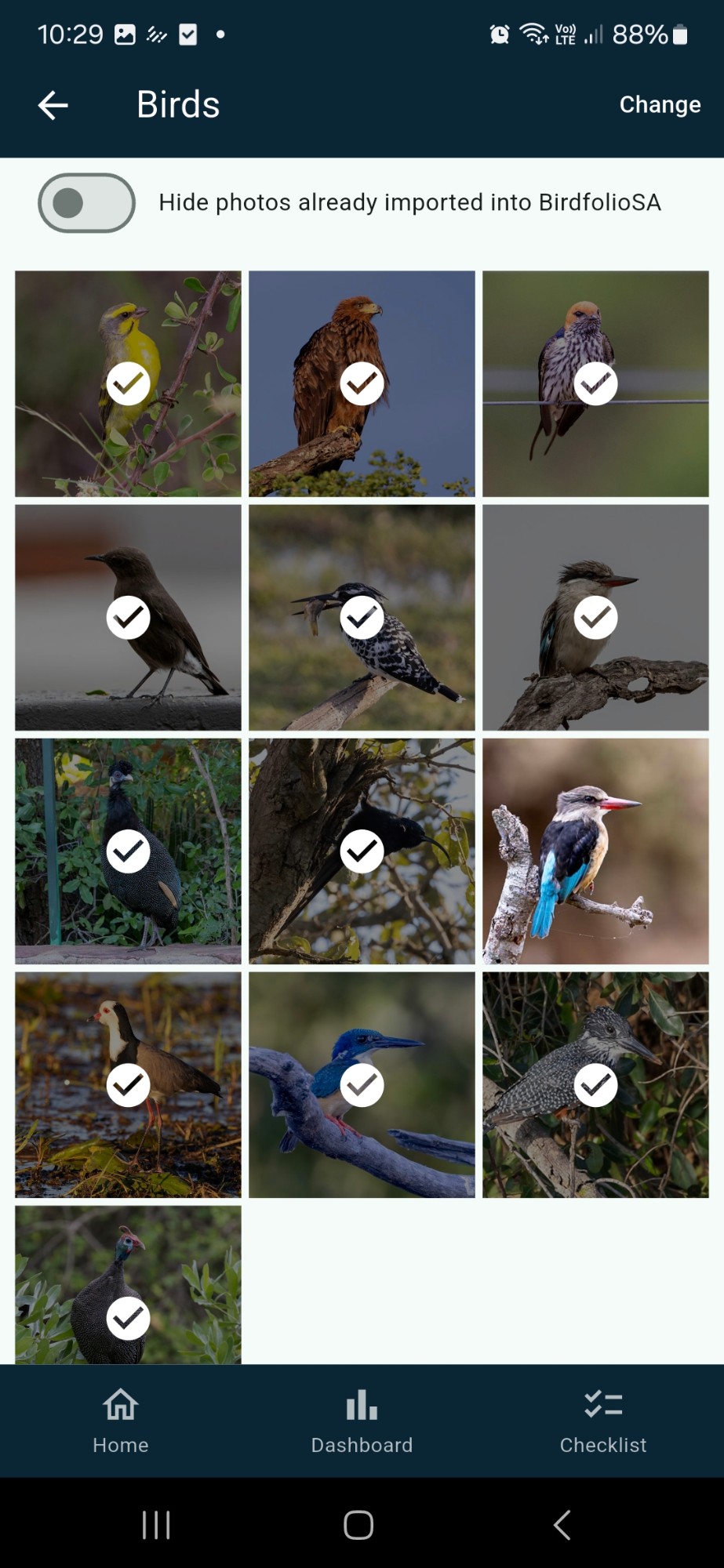
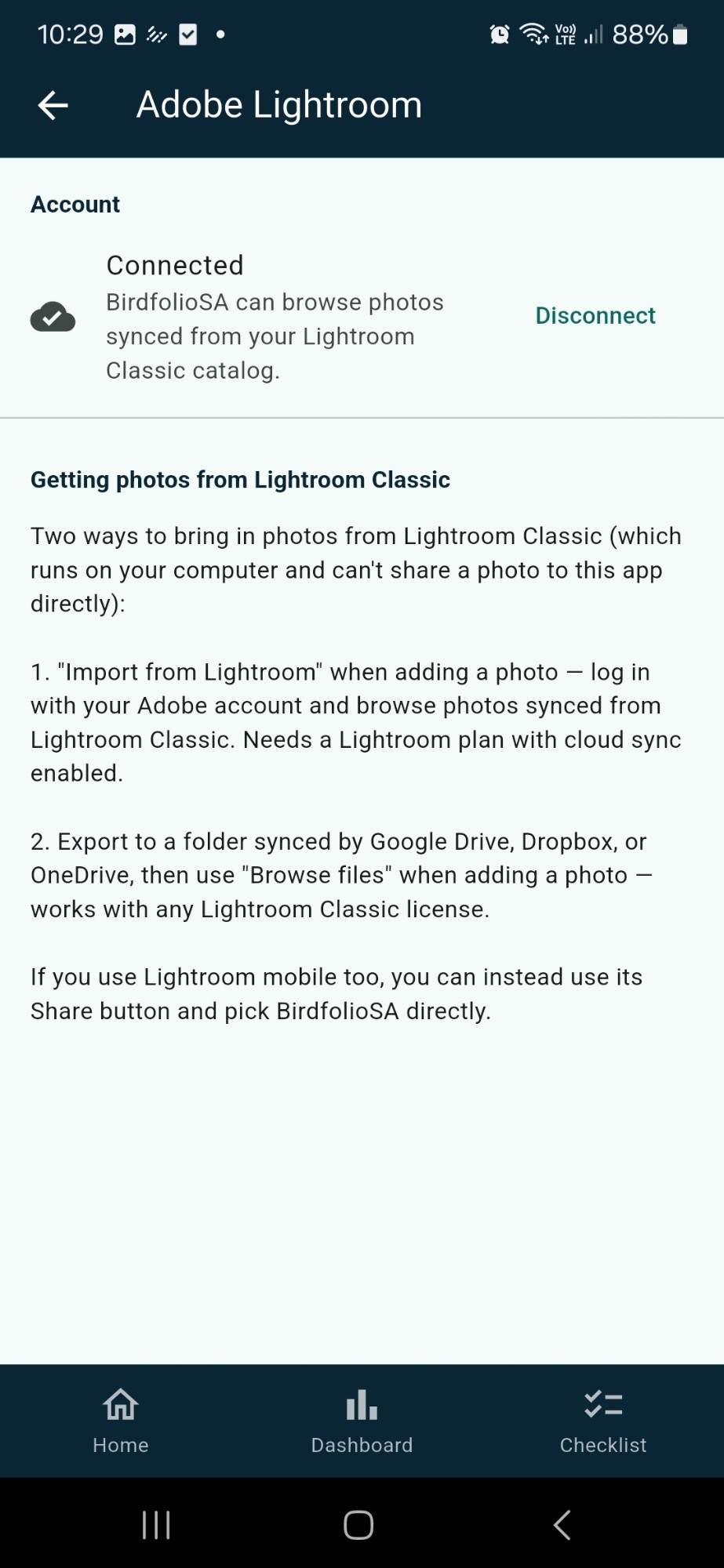
Import from Adobe Lightroom
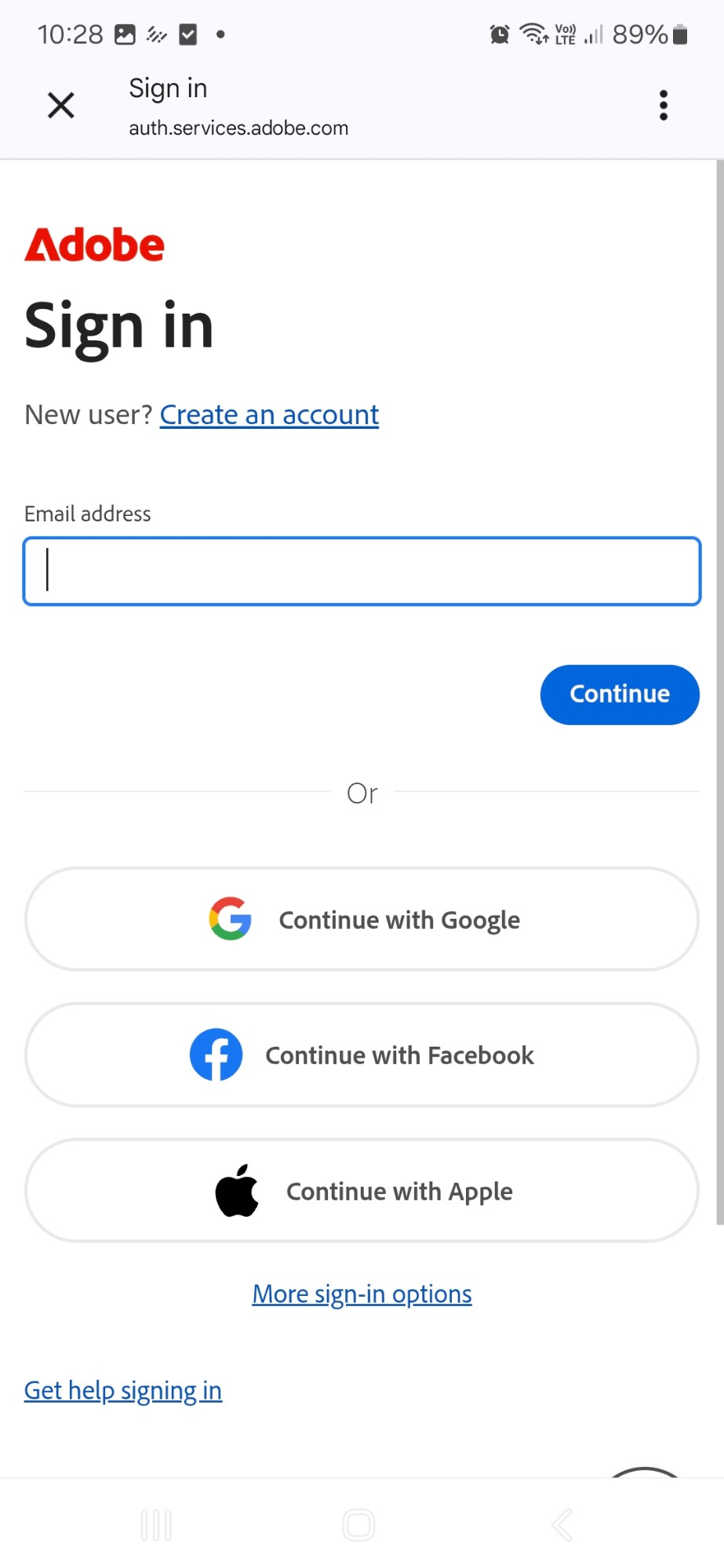
Sign in with your Adobe account to browse the photos and collections synced from Lightroom, and pick the ones you want. BirdfolioSA only reads your library and saves a copy of the photo you choose. It never edits, uploads or deletes anything in Lightroom, and you can disconnect at any time.
App functionality
Add a photo
Choose one from your gallery, browse files in Google Drive, Dropbox, OneDrive or iCloud, or import from Adobe Lightroom.
Pick the species and tick it off
Search by English or Afrikaans name, confirm the capture date and location, and the species is ticked off your list.
Your photos stay local
Photos and progress live on your own device — there are no accounts and no analytics, and nothing leaves your phone unless you choose to back up or import from Lightroom.
Back up your data
Save a backup of your whole checklist and photos whenever you like, and restore it on a new phone or after a reinstall.
English and Afrikaans
Every species name is available in both English and Afrikaans, switchable any time in Settings.
Add as many photos as you like
Every species can hold as many photos as you want, each with its own date, location, field note and details like age or sex.